
Microsoft Copilot Adoption
Don’t fall behind in the era of AI. Get the most out of Microsoft Copilot.
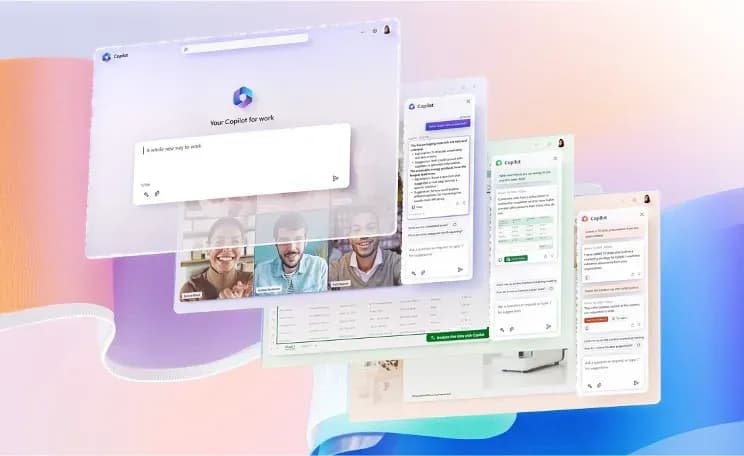
The tool that transforms your productivity with artificial intelligence
Microsoft Copilot is an innovative tool that provides real-time intelligent assistance, turning your words into actions, suggestions, and content. Microsoft Copilot is the tool your business needs. Created by Microsoft in collaboration with OpenAI, it uses generative artificial intelligence models to guide users to work faster, more efficiently, and more creatively. Copilot adapts to your context and needs in real-time, becoming a decision-making support.
Functionalities that Microsoft Copilot brings to Microsoft 365 tools
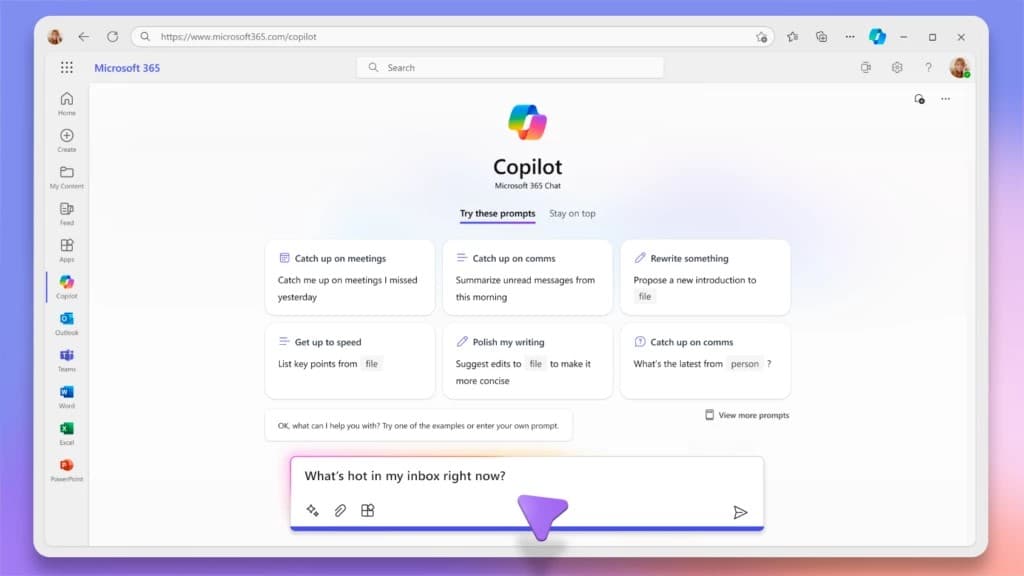
Copilot in Microsoft 365 Chat
Microsoft Copilot Chat allows you to create summaries of recent messages, inquire about specific documents, ask questions about your content, generate new content, and perform simple actions (such as formatting, adding images or tables, etc.).
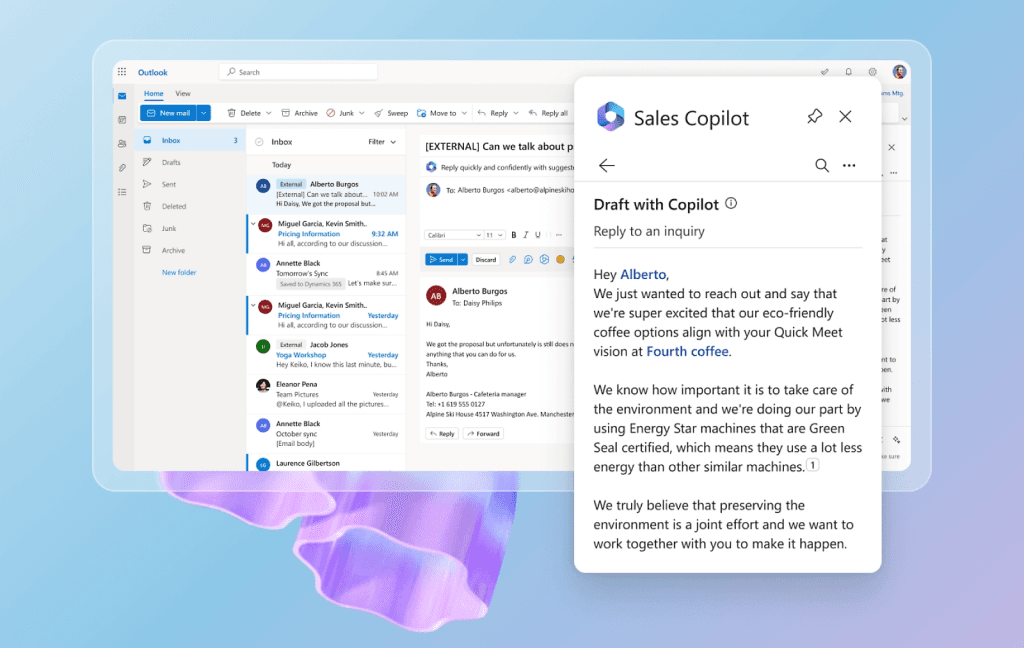
Copilot in Microsoft Outlook
Microsoft Copilot for Outlook provides intelligent assistance to enhance your messages, offering tips and suggestions on how to express yourself more clearly, positively, and appropriately. It also aids in summarizing email conversations for quick understanding and suggests responses to emails.
Moreover, you can leverage content from other emails or other Microsoft 365 content you have available.
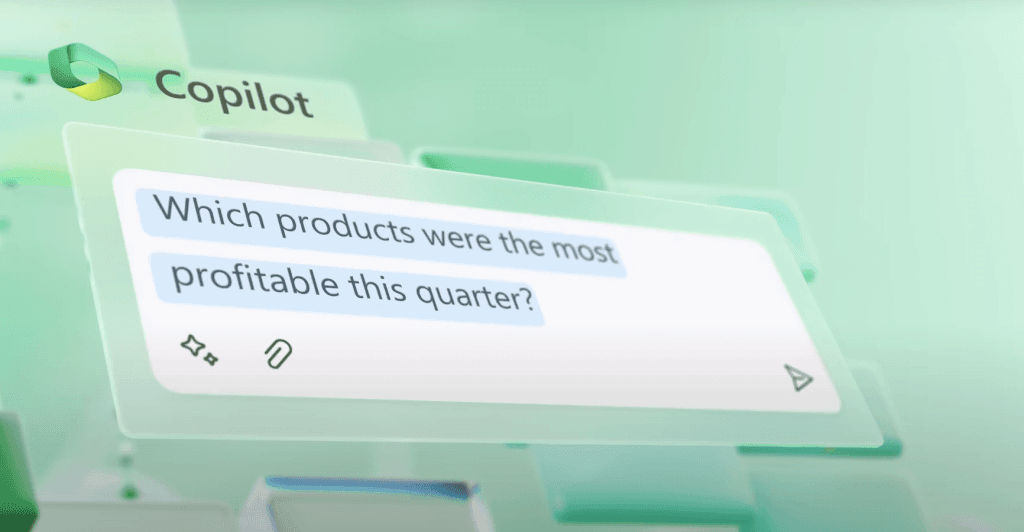
Copilot in Microsoft Excel
Microsoft Copilot makes working with data easier, enabling quick and simple analysis, visualizations, and operations. Copilot assists you in creating elements such as formulas, charts, pivot tables, and more, helping you gain insights from your data.
Moreover, you can ask Copilot about your data and receive responses in the form of text or graphics.
Copilot in Microsoft PowerPoint
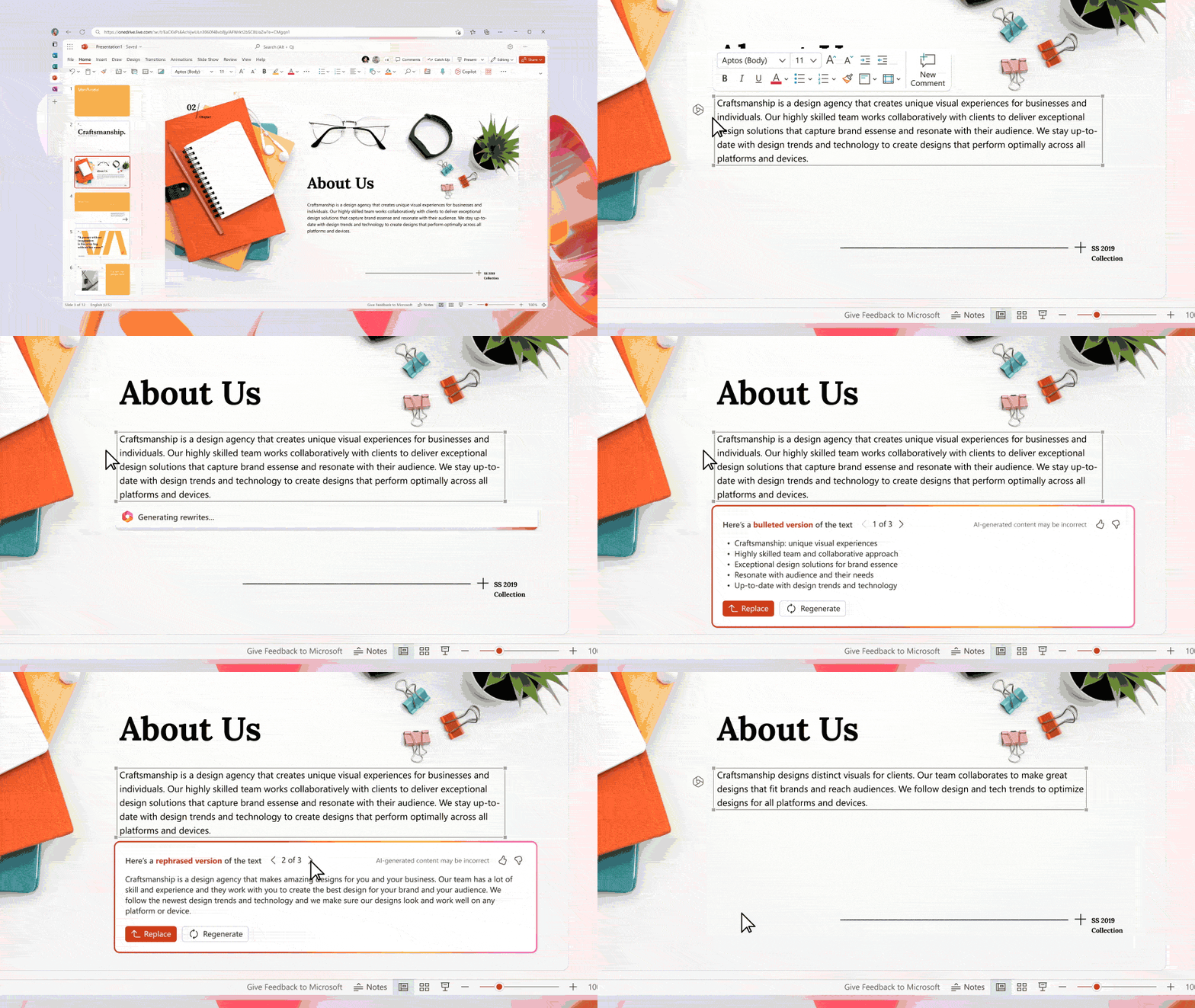
Microsoft Copilot assists you in creating presentations from text or a file, using professional templates. It also helps you summarize a presentation and organize ideas. Additionally, you can use Copilot to create custom images with your ideas, thanks to the integration with DALL-E, OpenAI’s image creator.
You can also use the chat with Copilot to create summaries, ask questions, and perform simple actions (such as inserting slides, images, or modifying the text throughout the entire presentation)
Copilot in Microsoft Word
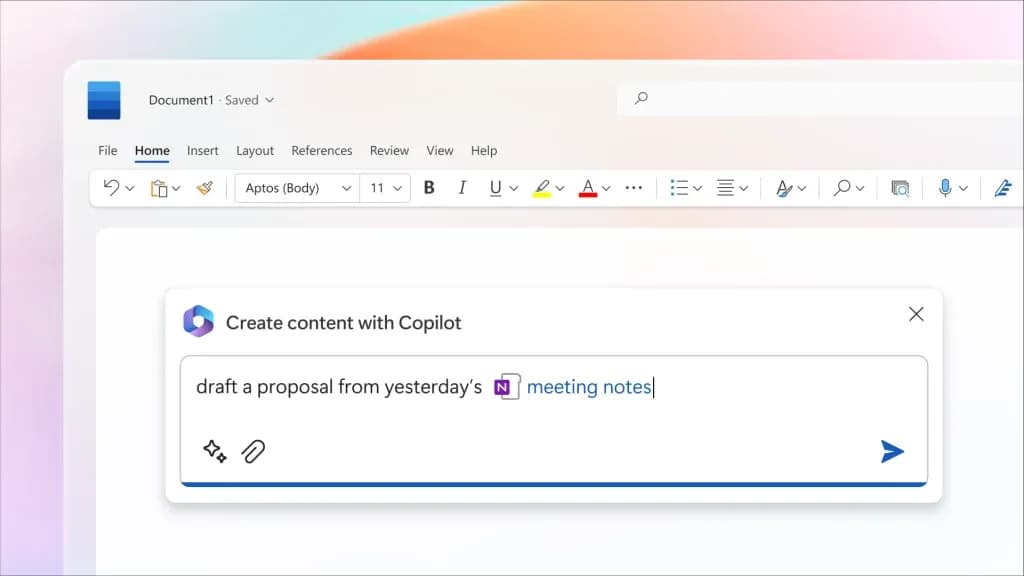
Microsoft Copilot assists you in creating and editing documents, providing real-time intelligent assistance. Copilot helps you write better, generate creative ideas, access relevant information from other documents, summarize your document, ask questions about your content, explore topics of interest, and even convert text into tables or enhance your writing.
Microsoft Copilot Studio
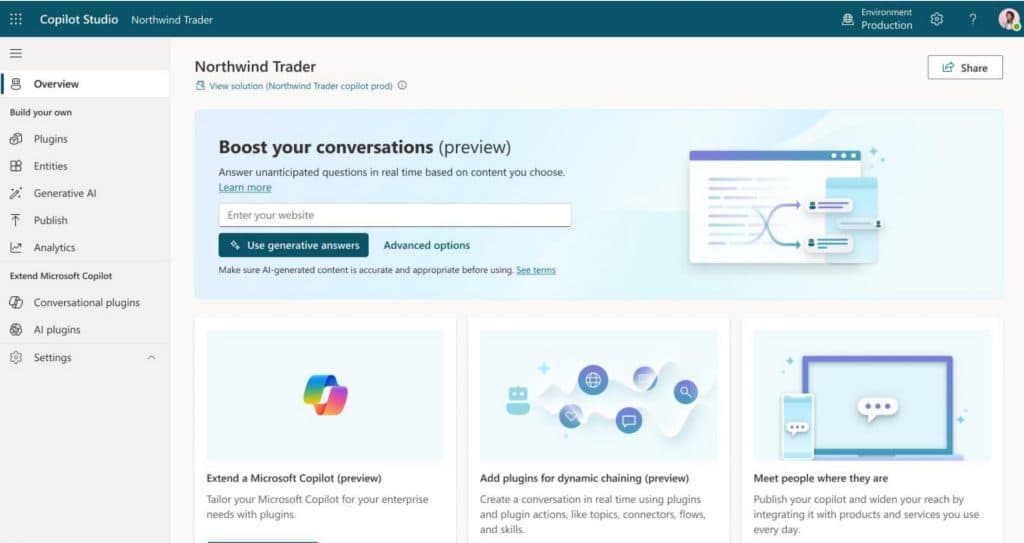
Microsoft Copilot Studio is a tool that allows you to create your own custom copilots for different applications and scenarios. It uses generative artificial intelligence, dialogue design, process automation, and integrated analysis. You can also integrate your copilots with other Microsoft 365 services and tools, such as Outlook, Excel, PowerPoint, Word, Teams, OneDrive, and more.
Benefits of using Microsoft Copilot
Do more with less.
Create and stand out
Extensible
100% Secure
At Itequia, we prepare you, train you, and help you make the most of Microsoft Copilot.
Get trained
Discover how to use Microsoft Copilot, the tool that assists you in writing with artificial intelligence. Learn how to create effective prompts, explore the possibilities of Copilot 365, and make the most of the tricks and tips we’ll teach you
Prepare your workspace
Prepare your organization for Microsoft Copilot by reviewing the tenant, content, permissions, and integrations. We will assist you in optimizing everything to ensure the successful adoption of Microsoft Copilot. We’ll guide best practices and potential risks.
Get the most out of it
Implement Microsoft Copilot with our customized training and change management. We’ll show you how to integrate Copilot with your data and automate your processes using Copilot Studio, the development environment for Copilot
Why Itequia?
AI at the core of how we work. Our own AI-Driven method, applied across the entire lifecycle, to take solutions to production in weeks, not months.
We build it, we run it. Consulting, development, Microsoft and cybersecurity with a single partner, from assessment to operations, with the same point of contact throughout.
Security we practice. ISO 27001 certified, with automated code security analysis in every delivery and experience in regulated environments: banking, pharma, manufacturing and the public sector.
Your feedback, with its own channel. A Customer Experience team, independent from the people delivering your project, tracks your satisfaction so we can correct course in time.


Organizations that trust us




















Interested in learning more about our services?
If you want to adopt Microsoft Copilot and transform your way of working, don’t hesitate any longer and contact us. We’ll be delighted to assist you and provide the best solution for your business.