
SharePoint Agents and Copilot in Content Management
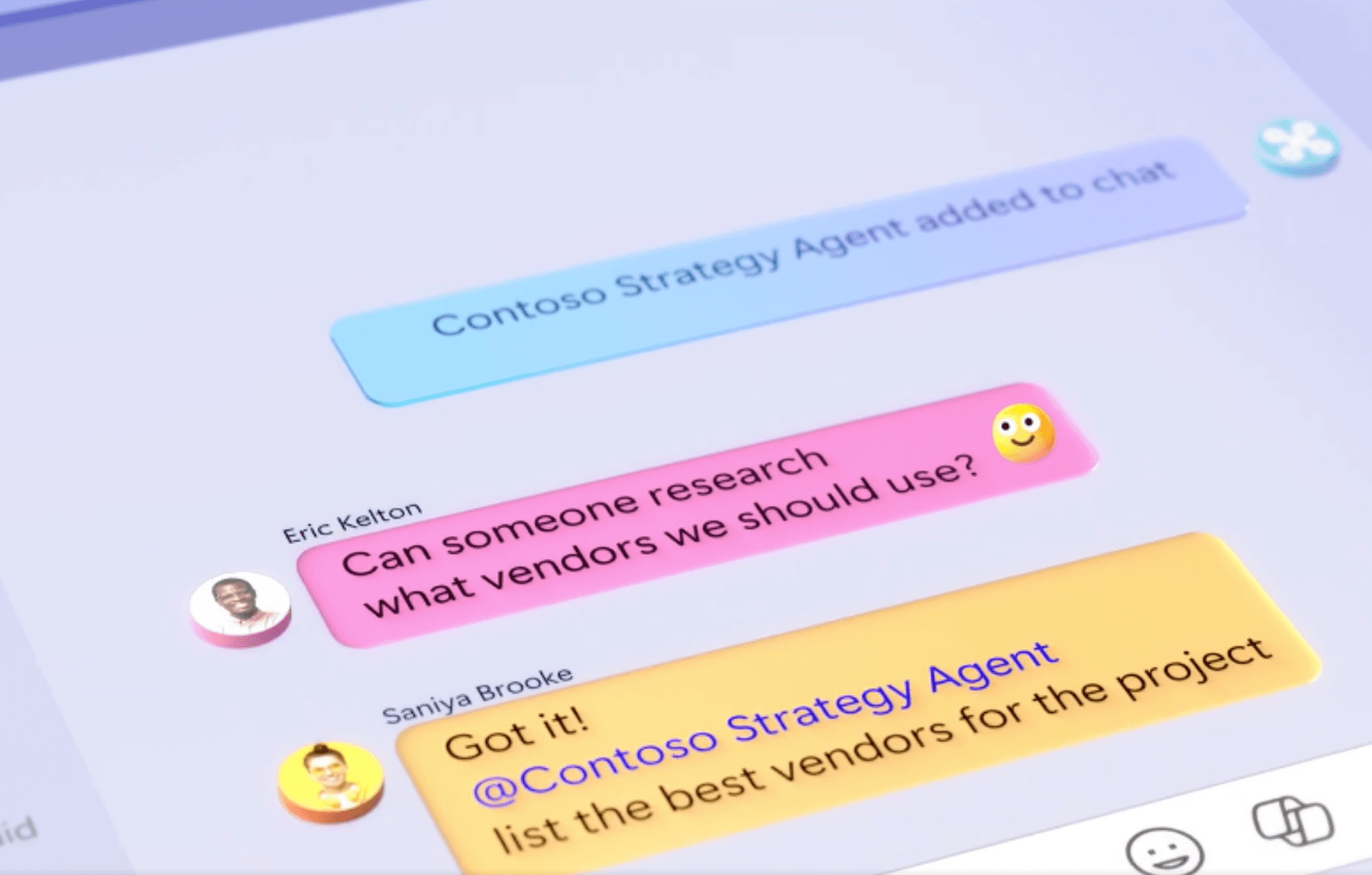
In the past year, Microsoft has made strides in content management with the introduction of autonomous agents in SharePoint and the integration of Copilot. These tools are designed to simplify tasks, optimize processes, and facilitate teamwork.
New Features for Autonomous Agents
SharePoint agents have moved out of the beta phase and are now generally available, making their implementation in organizations easier. It is now possible to create custom agents that help automate complex business processes. These new functionalities allow for the creation, management, and connection of agents designed to orchestrate complex business processes automatically. Through Copilot Studio, users can customize agents that integrate generative intelligence, enabling more advanced automation in key areas such as sales, customer service, finance, and supply chain.
Advantages of SharePoint agents
Below, we detail the main advantages offered in their current version:
Automation of repetitive tasks
SharePoint agents can assist in automating processes within the platform, such as sending notifications, task reminders, and document classification. They can help reduce manual workload, allowing employees to focus on higher-value tasks. Additionally, they can automate not only repetitive tasks but also more complex processes, such as document classification and workflow management across different platforms.
Quick access to information
One of the key capabilities of agents is their ability to improve the search for relevant information. SharePoint agents use automated queries based on keywords or metadata, significantly reducing the time employees spend searching for specific documents or data. The process is more effective when content is well-structured and organized in SharePoint. Consequently, agents can suggest pertinent resources or shortcuts.
Facilitation of collaboration
SharePoint agents can facilitate collaboration, especially in global teams, by helping teams organize and share content more efficiently. They allow for the management of key information, provide updates on project status, and send automatic reminders about tasks or important dates. Their ability to optimize information distribution contributes to improving the efficiency of collaborative processes.
Improvement of security
SharePoint agents play a key role in data protection, working with Microsoft 365’s access and authentication policies. They ensure that only authorized users access sensitive information within a workflow. Although they do not directly manage permissions, their integration with security settings allows for the implementation of access controls. This reinforces the policies established by platform administrators.
Interaction in multiple languages
Interaction in multiple languages is one of the key capabilities, making these tools a valuable option for organizations with a global presence. Agents allow for automatic interaction in multiple languages, adjusting to each user’s preferred language according to SharePoint settings.
Practical Use Cases
SharePoint agents can be applied in a wide variety of business scenarios. Some examples include:
- Document management: configure an agent to help employees search for and organize important documents. Use keywords and metadata to facilitate classification.
- Project assistance: implement an agent that provides updates on deadlines and sends automatic reminders to ensure the team is aligned at all times.
- Customer support: deploy an agent to answer frequently asked questions and resolve simple issues, speeding up response times.
- Training and onboarding: use agents to guide new employees through their onboarding processes, providing resources and answering questions interactively.
- Data analysis: design an agent that can analyze large volumes of data, identifying key patterns and generating detailed reports.
How to Get Started with SharePoint Agents
Implementing agents in SharePoint is a straightforward process if you follow these basic steps:
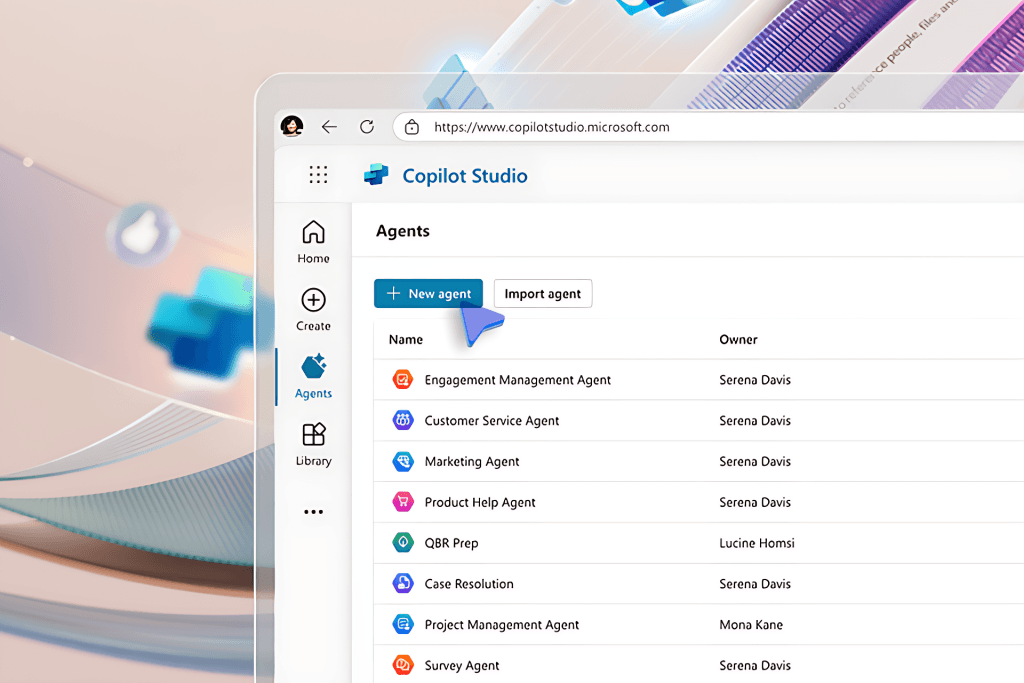
- Access Copilot Studio: access the platform with your Microsoft 365 account to design and manage custom agents according to your needs.
- Initial configuration: choose a pre-configured agent or create one from scratch, defining the tasks it will automate and the processes it will manage.
- Customization: adjust the details according to your team’s requirements, such as keywords, workflows, and specific permissions.
- Integration: connect the agent to your SharePoint site so it can access data and operate effectively.
- Testing and launch: before implementing it, conduct thorough testing, and once ready, monitor its performance to ensure it functions as expected.
To ensure a successful deployment, make sure you have the necessary licenses, such as Microsoft 365 Copilot, and the appropriate permissions to access Copilot Studio. Refer to Microsoft’s official documentation for more details on configurations and specific requirements.
Conclusions
SharePoint agents and the integration of Copilot offer new tools to improve content management and optimize business workflows. Although they are not completely autonomous, they can facilitate repetitive tasks, speed up access to information, and enhance collaboration within teams.
The deployment of custom agents promises an even greater impact, allowing companies to adapt to their specific needs and gain more control over their processes. With the potential to transform productivity and employee experience, organizations can leverage these technologies to improve their day-to-day efficiency and prepare for the digital future.
If you are interested in implementing SharePoint agents and Copilot in your organization, do not hesitate to contact us. Our team of experts is ready to help you transform your content management and take your team’s collaboration to the next level.